Study Modes

Choose the right mode for your learning goals. Whether you want instant feedback to learn from mistakes or need to simulate real exam conditions, Studingo adapts to your study style.

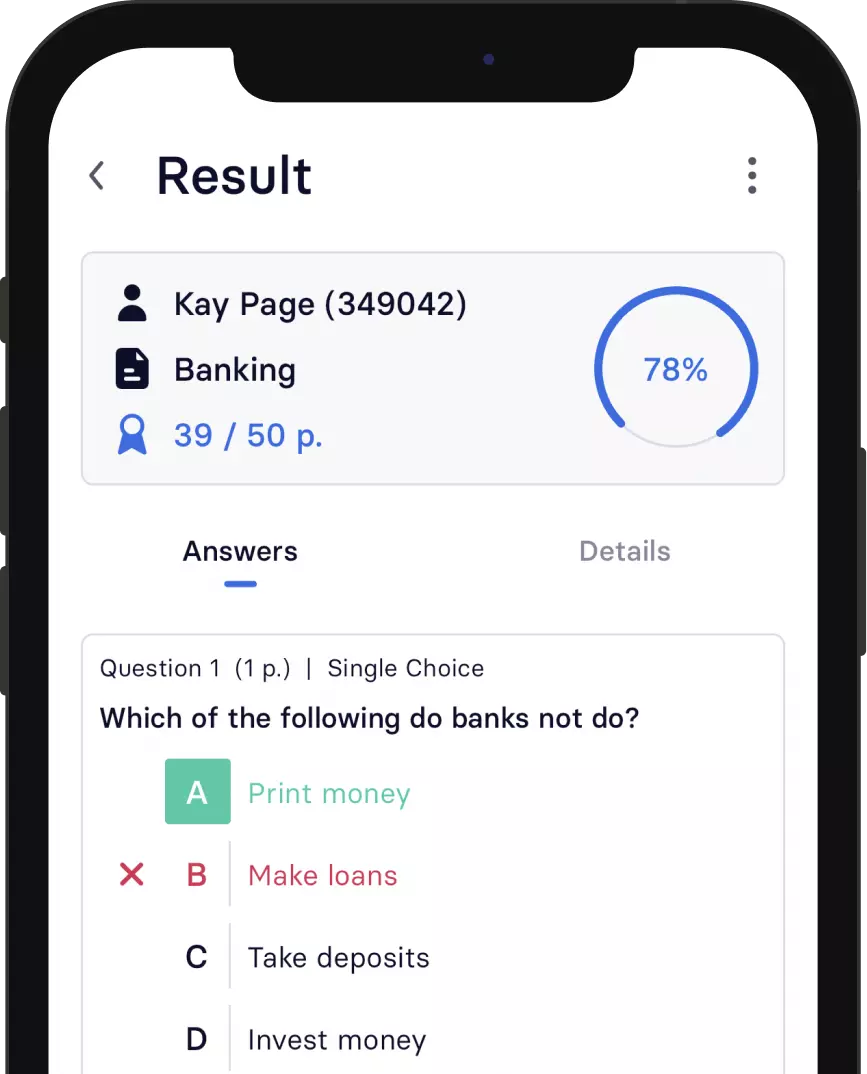
Study modes interface

Two ways to practice

Select the mode that matches your learning goals and get the most out of every study session.

Study Mode

Get instant feedback after each question. See correct answers and explanations to learn from your mistakes in real-time.

Exam Mode

No hints or feedback during the test. Simulate real exam conditions and see your results only after completion.

Learn with instant feedback

Study Mode is perfect for initial learning and review. Get immediate feedback after each answer to reinforce correct knowledge and learn from mistakes.
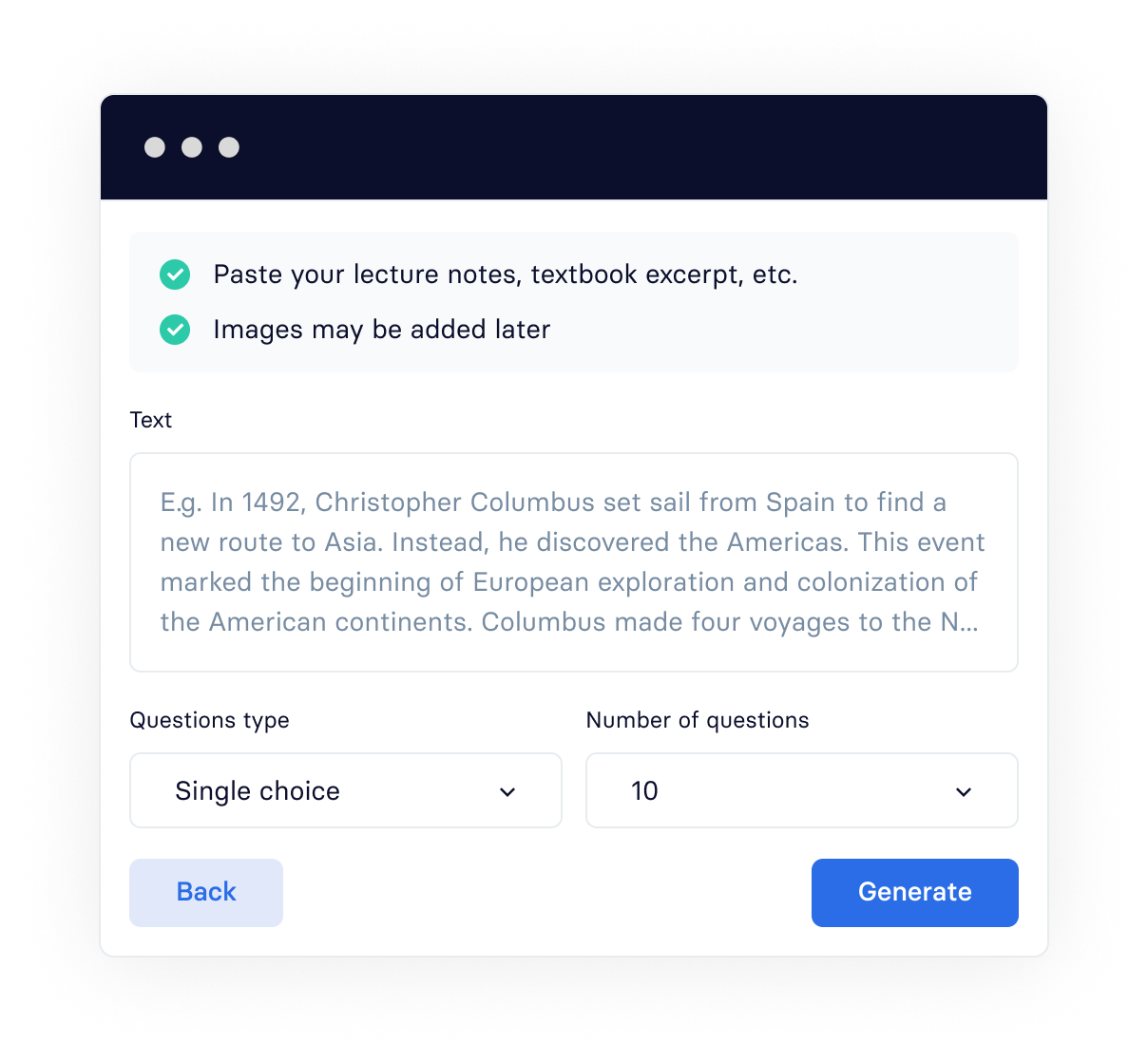
Study mode with instant feedback
checkmark icon

Immediate Feedback

Know instantly whether your answer is correct or incorrect. No waiting until the end to discover what you got wrong.

checkmark icon

See Correct Answers

View the correct answer immediately after each question, along with detailed explanations to deepen your understanding.

checkmark icon

Learn from Mistakes

Mistakes become learning opportunities. Understand why you got it wrong and commit the correct answer to memory.

Test yourself like a real exam

Exam Mode creates authentic test conditions. No hints, no immediate feedback - just you and the questions, exactly like the real thing.
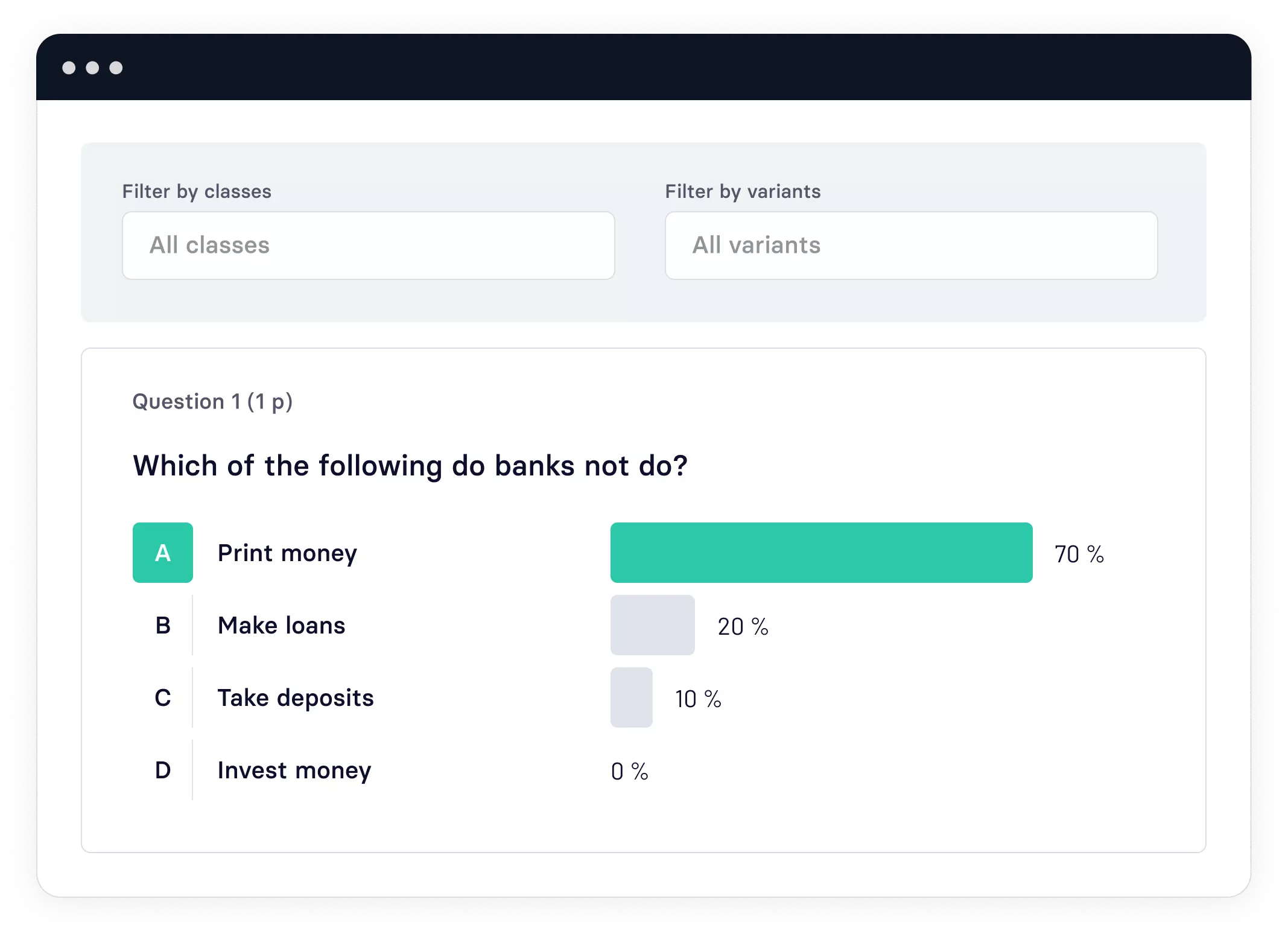
Exam mode simulation
checkmark icon

No Hints During Test

Challenge yourself without any assistance. Build confidence by proving you can recall information independently.

checkmark icon

Real Exam Conditions

Experience the pressure of a real test environment. Prepare mentally for actual exams by practicing under similar conditions.

checkmark icon

Results After Completion

See your complete results only after finishing the entire test. Review every question with detailed answer breakdowns.

Customize your practice

Fine-tune your study sessions with additional options to match your specific needs.

checkmark icon

Time Limits

Set an overall time limit for the entire test, or allocate specific time for each question. Train yourself to work under pressure.

checkmark icon

Question Randomization

Shuffle all questions for variety. Prevent memorizing question order and ensure you truly know the material.

checkmark icon

Custom Question Sets

Select a random subset of questions for quick practice sessions. Focus on what matters most for your study goals.

Ready to revolutionize how you study? 🚀

Sign up for Studingo free today and unlock AI-powered tools designed to help you learn faster, remember longer, and achieve academic success.


Study modes interface

Ready to revolutionize how you study? 🚀

Sign up for Studingo free today and unlock AI-powered tools designed to help you learn faster, remember longer, and achieve academic success.